

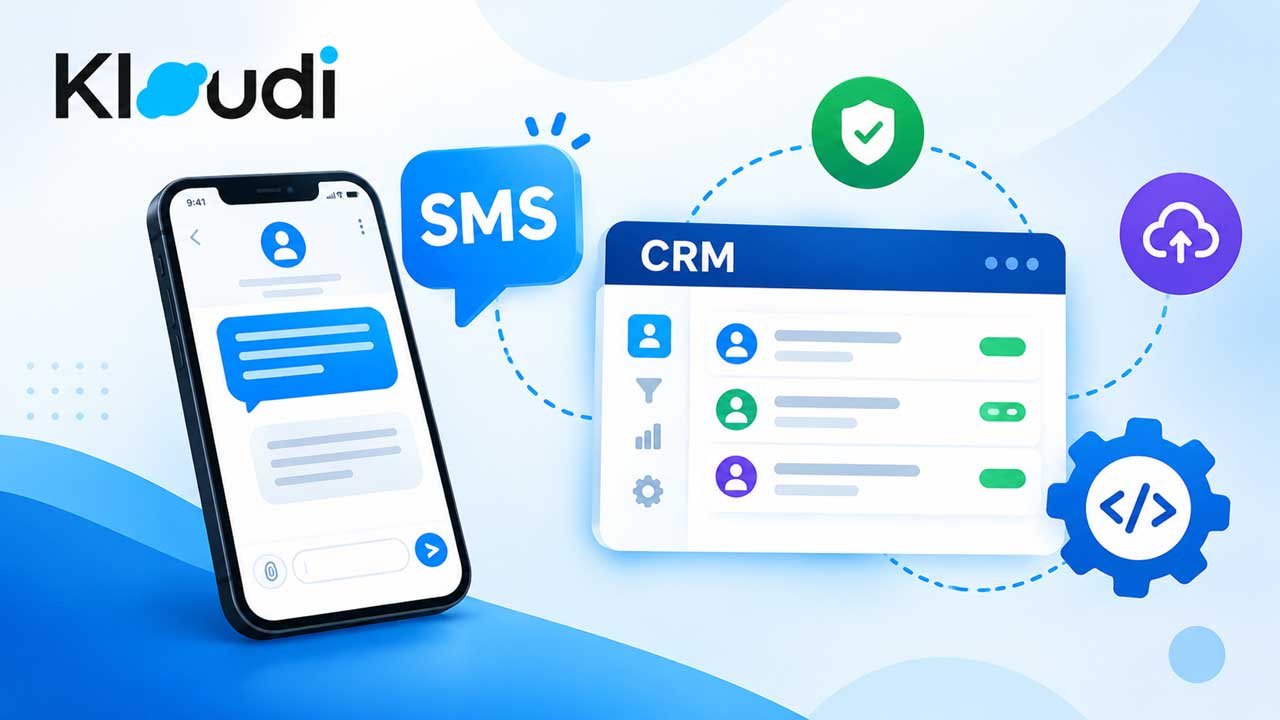
Do you want to select the right SMS API for CRM? With this, you can simply link text messaging with your customer management & business software. The right A.P.I. can help your application send messages & receive replies. Plus, you can also track delivery & automate notifications. You will also be able to keep customer conversations linked to C.R.M. records.
However, not every messaging platform can offer the same features or pricing. Companies must think about how the A.P.I. fits their latest technology & upcoming communication requirements.
What Is an SMS API for CRM?
An SMS API connects your CRM/business application. It can be linked to your SMS provider. Thus, your software can send & get text messages programmatically.
For example, suppose a lead submits a form. Then, your CRM could automatically send a confirmation message. Then, a customer replies. That response can be sent back to your application. It can also be linked to the appropriate customer record.
A well-built SMS API CRM integration can support lead follow-ups & appointment reminders. It can also support customer notifications & other automatic workflows.
1. Check SMS API Integration Requirements
Don’t select a provider without thinking first. Identify what you need to connect. Your C.R.M. may require REST APIs, SDKs, or webhooks. It can also need authentication options or support for programming languages.
A good SMS API integration should fit naturally into your existing technology. There is no requirement for major changes to your app.
Look for:
- REST A.P.I. support
- Developer paperwork
- S.D.K.s for common languages
- Verification options
- Sandbox/testing tools
- Delivery reports
- Inbound texting
- Webhook support
Modern messaging APIs can empower applications. They will be able to send & receive SMS. This is done through standard API requests.
2. Choose a Business SMS API That Supports Two-Way Messaging
Sending messages is only 1 segment of a company’s communication. Customers may not reply. So, choose a business SMS API supporting inbound messages & outbound communication.
2-way messaging can help businesses a lot. They can create workflows like-
CRM lead → Automated SMS → Customer reply → CRM update → Sales follow-up
This reduces manual data entry. This helps sales/support teams reply effectively.
3. Look for an SMS API With Webhooks
An SMS API with webhooks can send real-time info. This goes from the messaging platform back to your application.
Webhooks can notify your CRM when:
- A client sends a text
- Message is delivered
- A message fails
- Delivery status changes
- Other supported texting event takes place
Some providers support incoming-message webhooks & outbound message status callbacks. Some may offer callbacks for incoming & outgoing messages. They may also offer delivery-status events.
This makes webhooks useful if your CRM reacts to messaging events.
4. Consider Reliability and Message Delivery
Your SMS API for business should provide reliable message delivery. It must offer clear delivery reporting.
Look for providers offering status information. This info are queued, sent, delivered, failed, or undelivered. Such data can help your team find out texting issues. So, they will be able to augment client communication.
Many providers offer message status callbacks. These allow applications to check delivery live.
5. Review Scalability and Pricing
Your messaging requirements may change. This can happen if your customer base grows. Suppose an A.P.I. is working for a few hundred messages. It may need to support millions of messages someday.
Think about:
- 1 message pricing
- Calling number costs
- Country-centric charges
- Volume discounts
- MMS/additional channel costs
- A.P.I. limits
- No. registration requirements
- Support charges
Don’t select only based on the lowest advertised price. Dependability, features, support, & integration requirements have a major impact on the complete cost.
6. Check Security and Compliance Features
Your C.R.M. may contain names & phone numbers. It can also comprise customer conversations, etc. Security should be part of your A.P.I. assessment.
Check if the provider supports secure HTTPS connections or authentication. See if it helps with webhook validation or appropriate data-handling practices.
Many providers recommend validating webhook requests. This can provide signature-based validation mechanisms.
Businesses should also review applicable messaging regulations & carrier requirements. This needs to be done before sending commercial S.M.S.
7. Compare Developer Experience and Support
Good documentation can make implementation much simpler. Look for clear API references & code examples. Also, watch out for SDKs, testing tools & technical support.
An A.P.I. may have excellent features. But it can still be difficult to implement. This may happen if developers can’t understand its paperwork.
Why Use an SMS API for CRM Integration?
A correctly implemented C.R.M. messaging unit can link customer communication with existing business workflows.
Common applications are:
- Lead follow-up
- Appointment reminders
- Order upgradations
- Client notifications
- Support texts
- Verification codes
- Marketing texts
- Internal alerts
The goal is not to send more messages. It is to make S.M.S. part of an organized customer message workflow.
How Can Kloudi Support Your SMS API Needs?
Choosing the right SMS API for CRM is very important. This is much more than basic text delivery. Your provider should support reliable CRM SMS integration & automation. It must also help with inbound communication & webhooks. It should also help with delivery checking, security, & future scalability.
Are you thinking about a SMS integration? Or do you want to connect business messaging with your CRM? Contact us now! Also follow Kloudi on Instagram for more update.
FAQs:
Q. Can I send an SMS using an API?
Ans: Yes. An SMS API empowers your application or CRM. It can send text messages automatically. You can use it for alerts or reminders. Plus, you can also use this for notifications & verification codes.
Q. Does CRM include SMS?
Ans: Some C.R.M. platforms comprise built-in SMS features. Meanwhile, others require SMS provider/API integration. Features & availability depend on the specific CRM & subscription. For example, Salesforce supports SMS messaging. This is for eligible products & editions.
Q. Can I integrate SMS with Salesforce?
Ans: Yes. Salesforce supports SMS. This is done through messaging features & A.P.I.s. Businesses can send texts from client records. They can use SMS in sales workflows. They can integrate transactional messaging. They can also support Salesforce A.P.I.s.
Q. How much does SMS API cost?
Ans: SMS API pricing varies by provider & destination country. This can also depend on message volume, phone number type, & extra features. Some platforms charge per message. Meanwhile, others combine usage charges with platform/subscription fees. Salesforce currently lists SMS at $2 per 1,000 sends for certain Marketing Cloud plans. But other Salesforce messaging products use unique pricing frameworks.